Core
Most popular
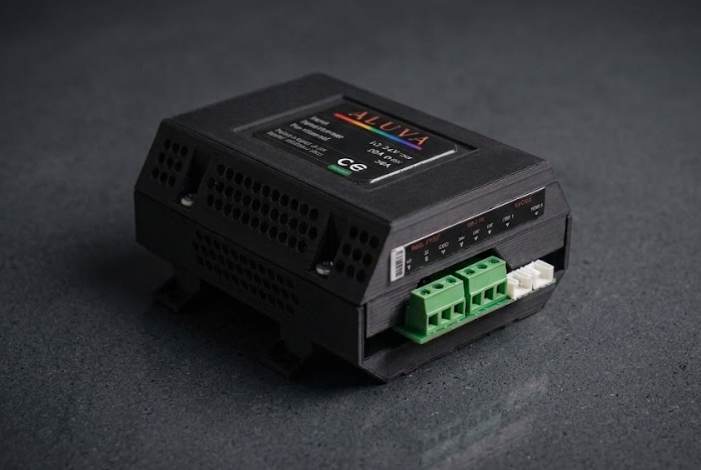
ALUVA Core
Colour + tunable white.
- Pixel ch.
- 1 × WS2811 · GRB
- White ch.
- 1 × tunable COB
- Relay
- —
- Max load
- 432W
CEFCCRoHS
£90
High-power addressable colour and tunable-white control for whole rooms — your coves, ceilings, kitchens and cabinetry, plus your existing fixtures, all driven by one app and hands-free sensors. No hub. No cloud.
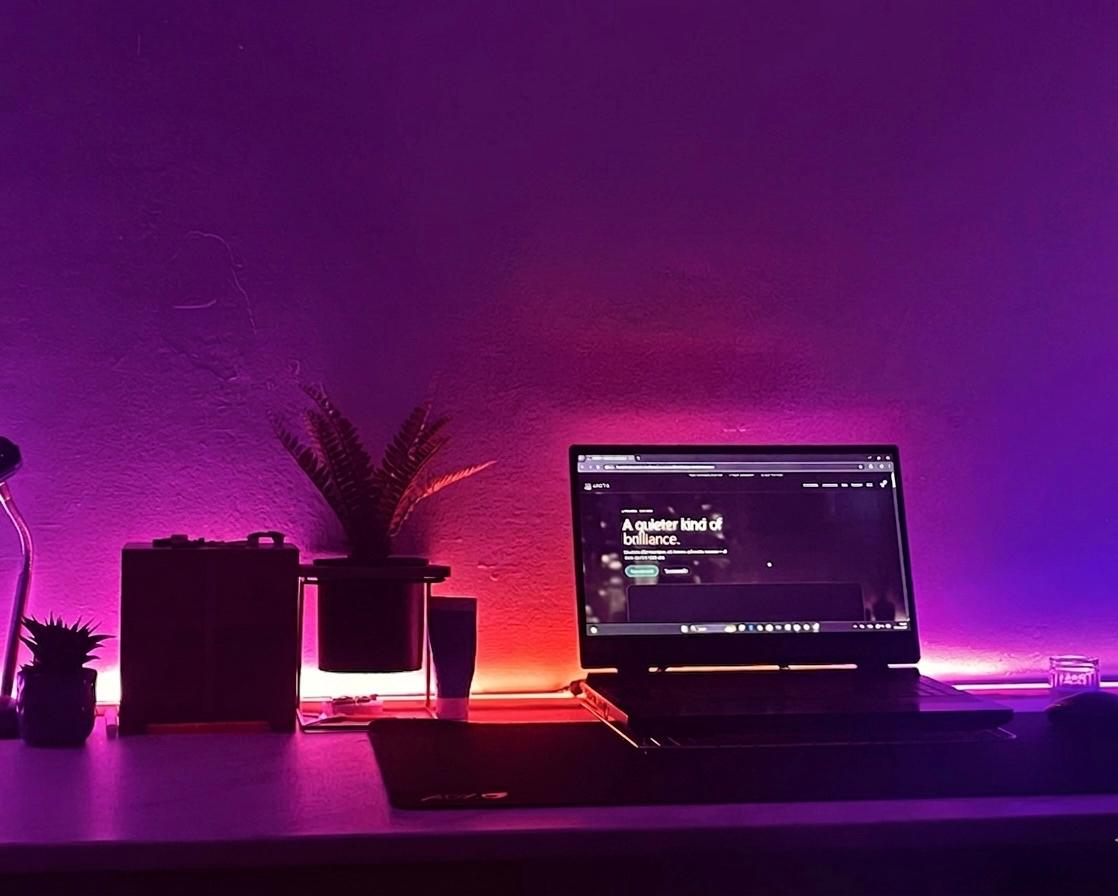
Coves, shelves, kitchens and accent lines — real installs and effects from our own builds and customer projects.
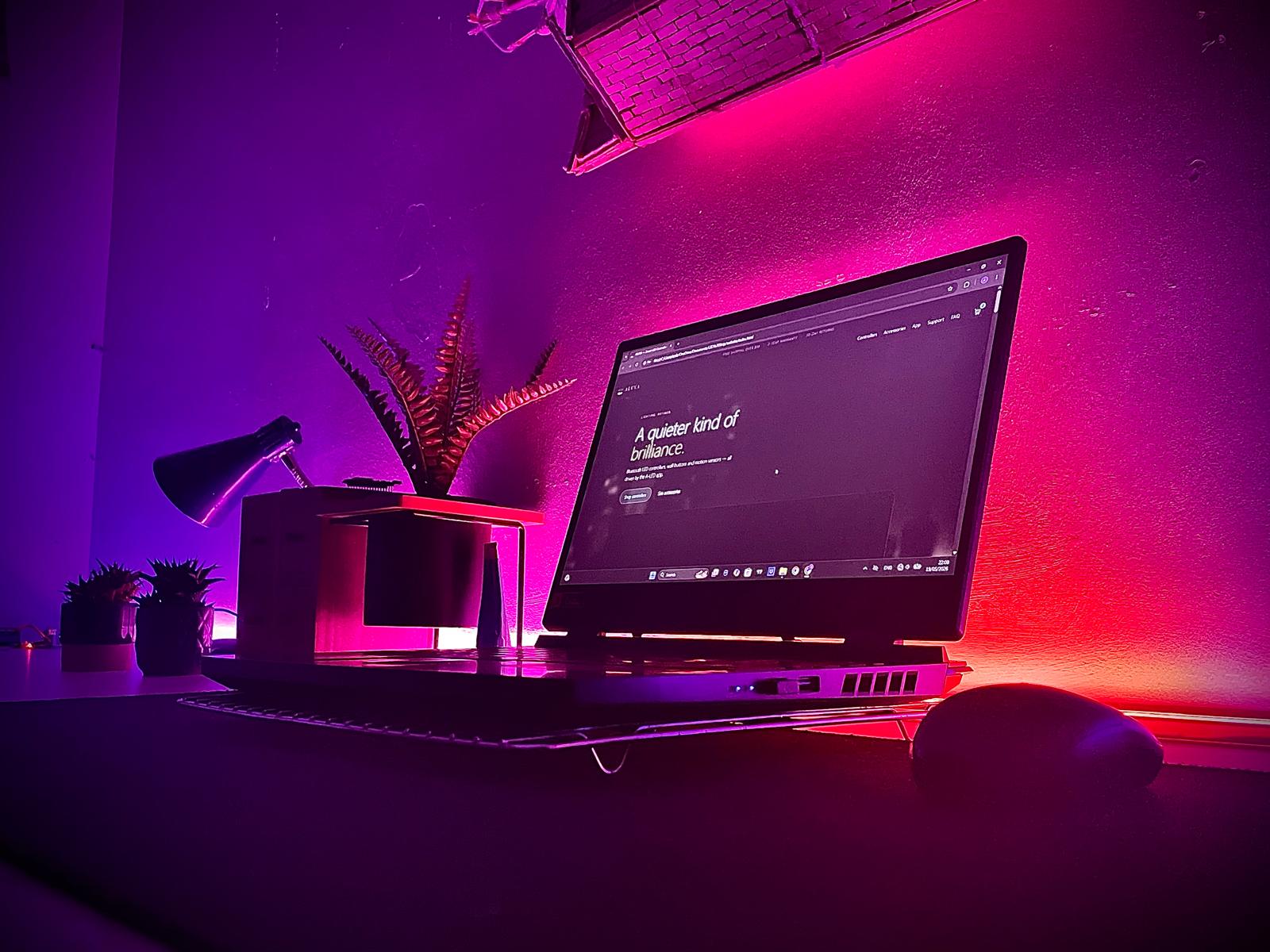
Pair over Bluetooth, build scenes, and bind sensors to them. The app adapts its controls to whichever controller it's connected to — colour, tunable white, or your mains relay.
ALUVA-… appear the moment they're in range.Free on iOS and Android — search “ALUVA”.
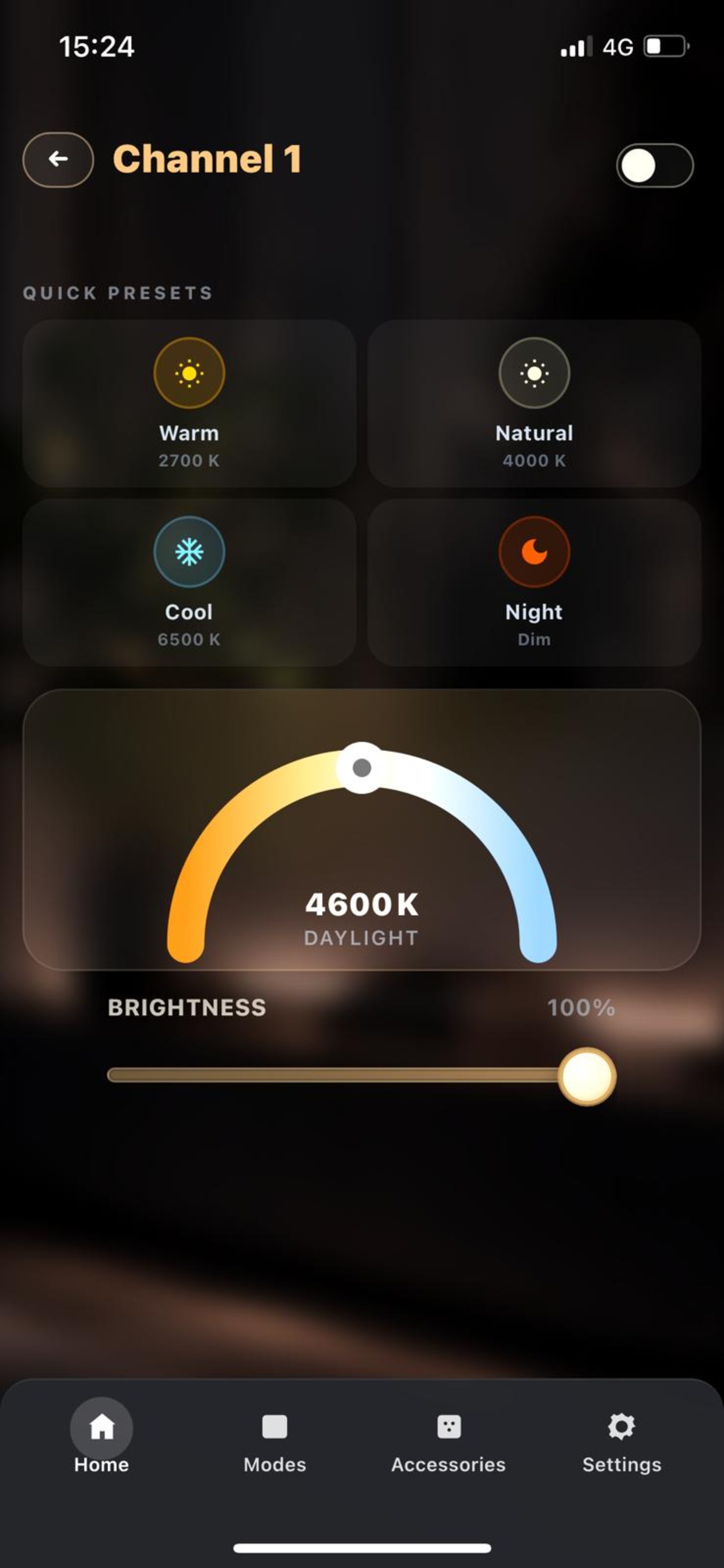
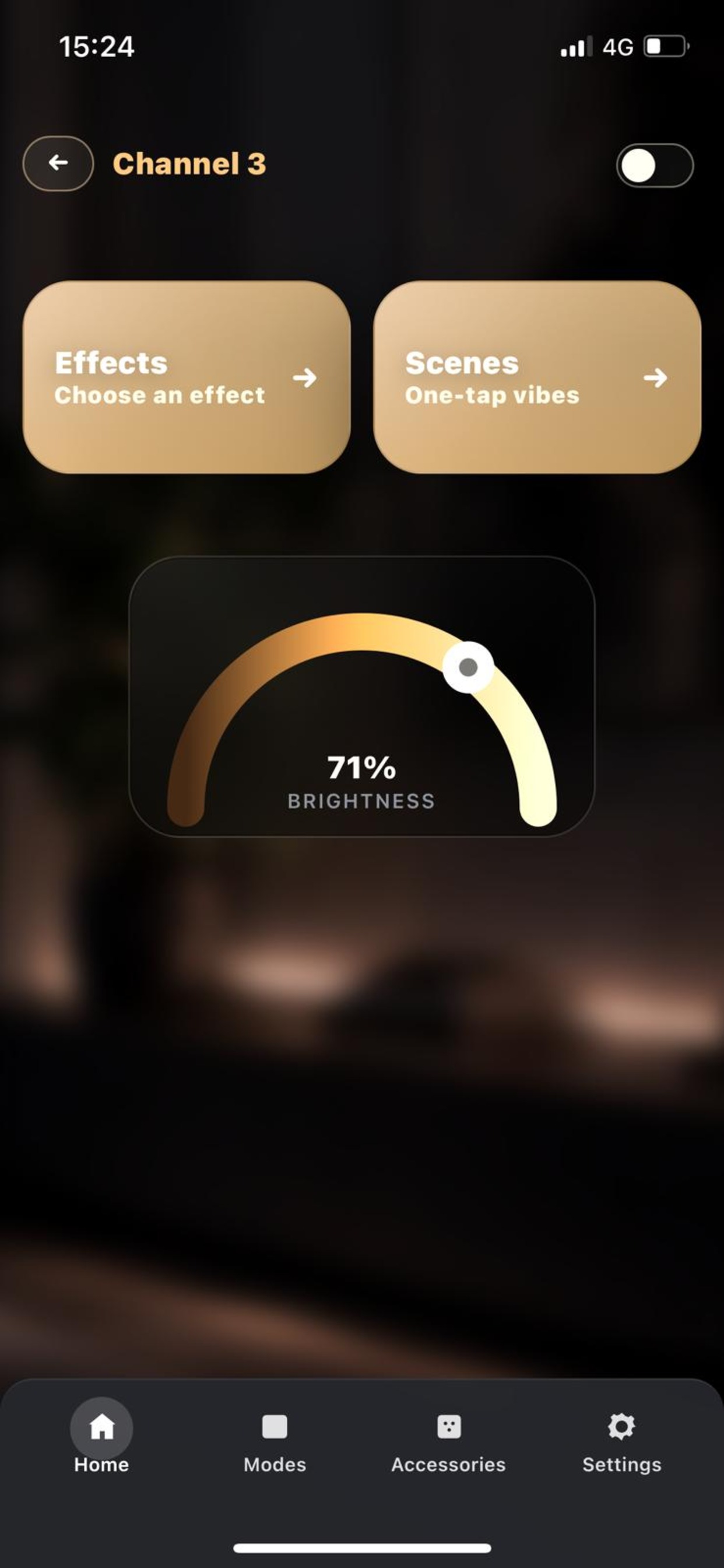
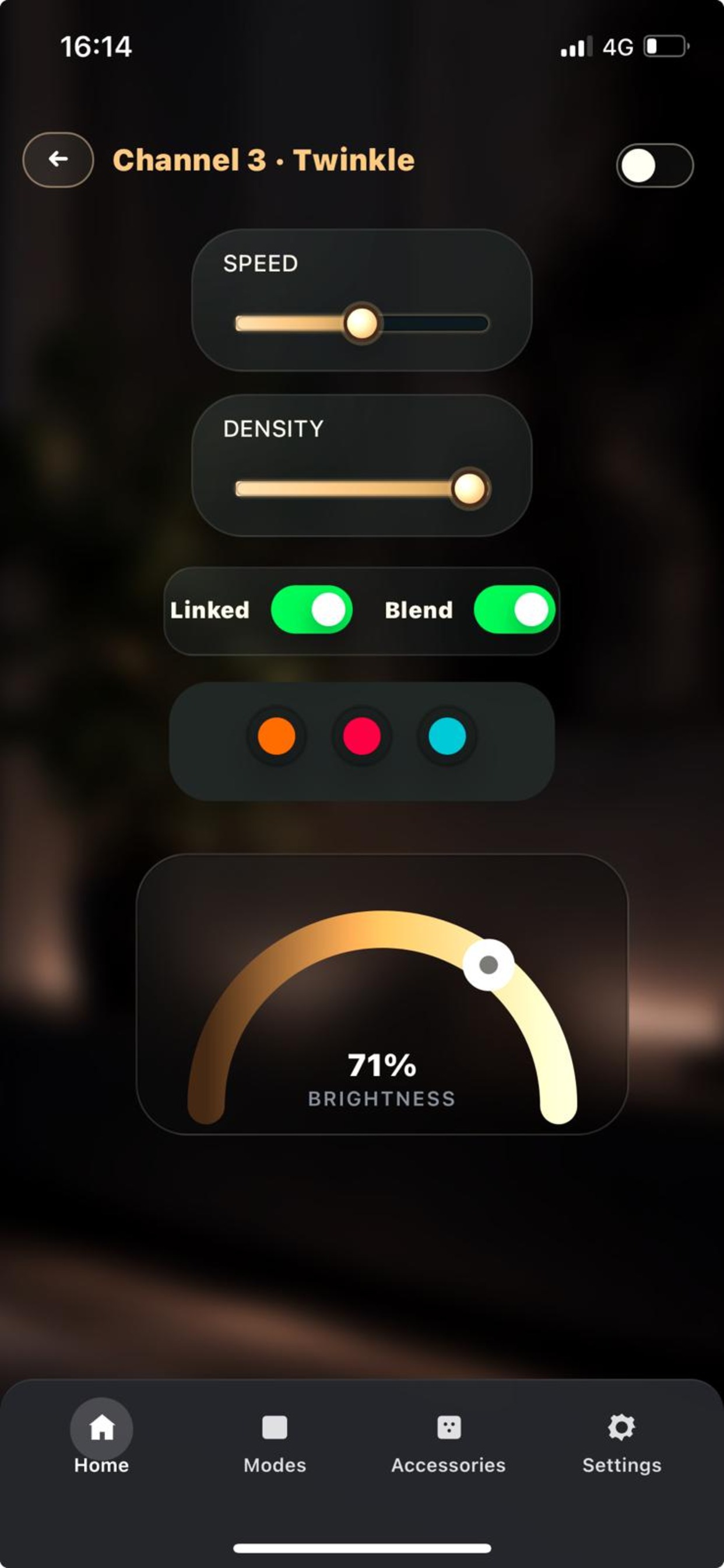
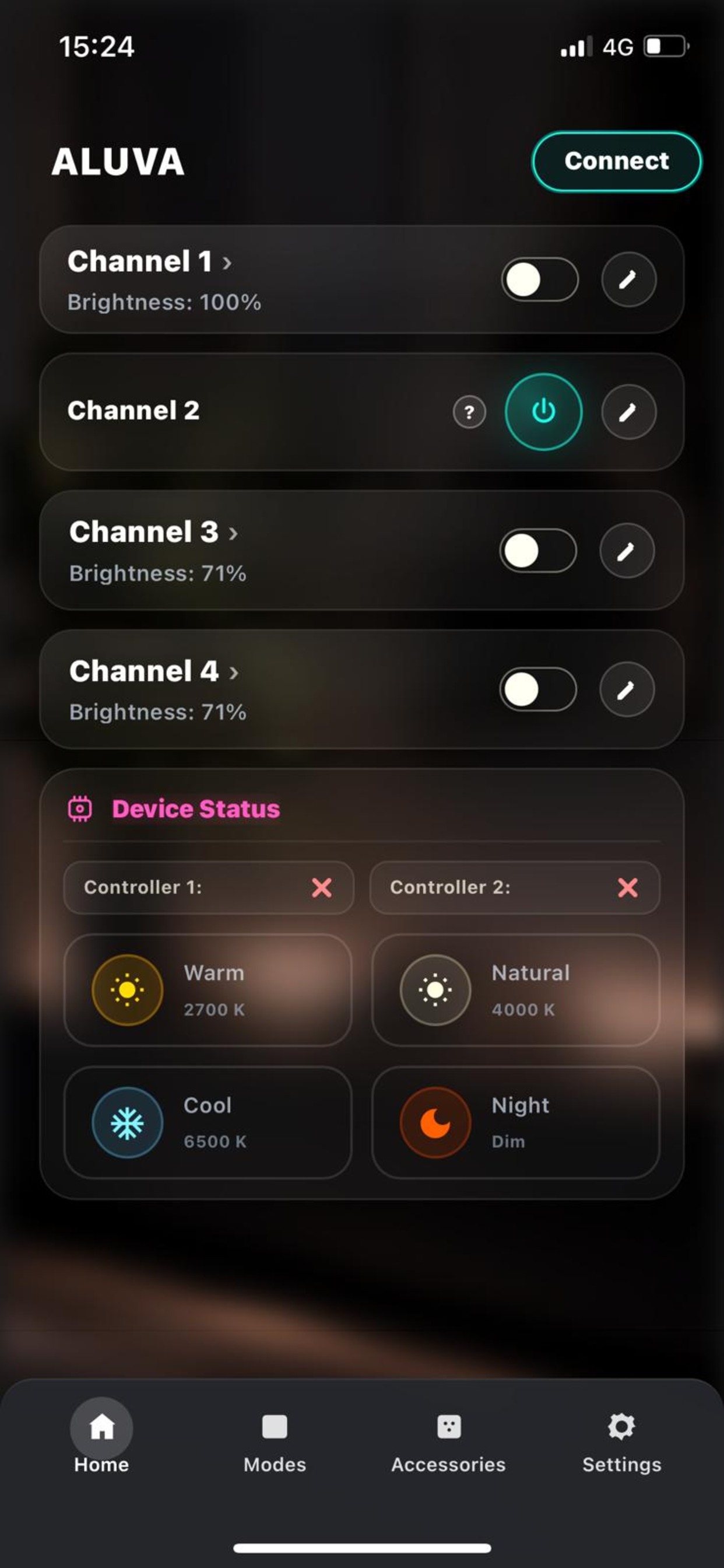
Four configurations for different jobs — addressable colour, tunable white, and switching for your existing mains fixtures. One app drives them all.
Tap any controller for its full specifications.
Colour + tunable white.
Two colour channels.
Tunable white + mains relay.
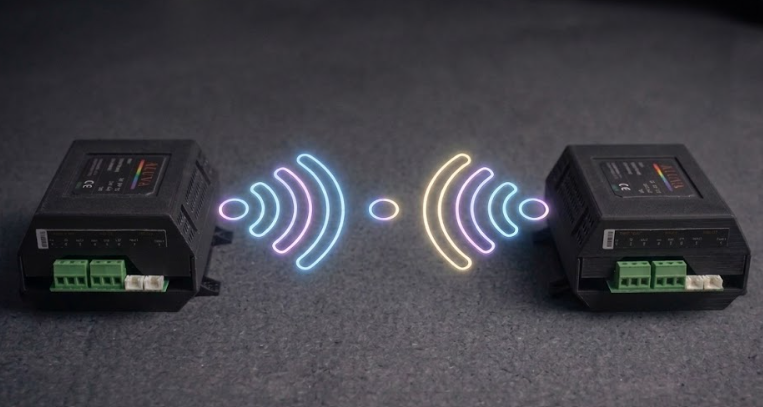
Dual-unit flagship.
Select a controller to see its full technical breakdown.
One addressable colour channel plus a tunable-white COB channel — accent colour and everyday warm-to-cool white from a single unit. The most versatile choice for one room.
Two independent WS2811 channels — run two separate strips with different effects from a single controller.
A tunable-white COB channel plus an optional relay output that switches your existing mains (230 V) lighting — all from the app. The relay can be enabled or disabled in settings.
The controller exposes a 5 V logic output. Wire it to an external relay module and the app can switch your existing 230 V mains fixtures — downlights, a pendant, an extractor — from the same scenes as the LED channels.
It is entirely optional: leave the relay disabled in app settings and nothing changes, the controller just runs its LED channels. Mains wiring should be carried out by a qualified electrician.
Two controllers paired wirelessly and managed as one device in the app: two colour channels on the first unit, plus a tunable-white channel and an optional mains relay on the second. Everything ALUVA does, in one system.
The controller exposes a 5 V logic output. Wire it to an external relay module and the app can switch your existing 230 V mains fixtures — downlights, a pendant, an extractor — from the same scenes as the LED channels.
It is entirely optional: leave the relay disabled in app settings and nothing changes, the controller just runs its LED channels. Mains wiring should be carried out by a qualified electrician.
Each system pairs a controller with motion sensors and a wall button — every part you need, pre-discounted by 20% and paired to one app out of the box.
Core controller, plus:
Duo controller, plus:
White controller, plus:
Max dual controller, plus:
Pair a motion sensor for automatic on/off as you walk in, or a wall button for a one-tap scene at the door — no phone required.
Shop accessoriesAdd motion sensors for automatic light, or wall buttons for one-tap control at the door — all pairing to your controller over Bluetooth. Both are included in the Complete Systems above.
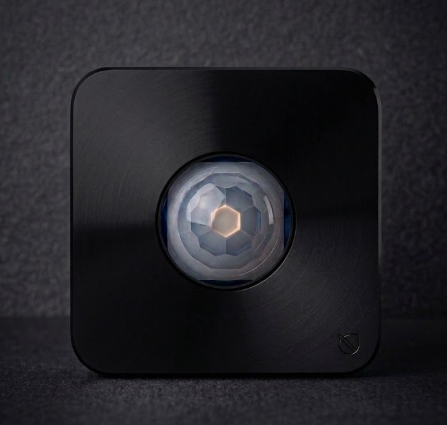
PIR motion sensor — lights on as you walk in, off when the room is empty. Bind it to any scene in the app.
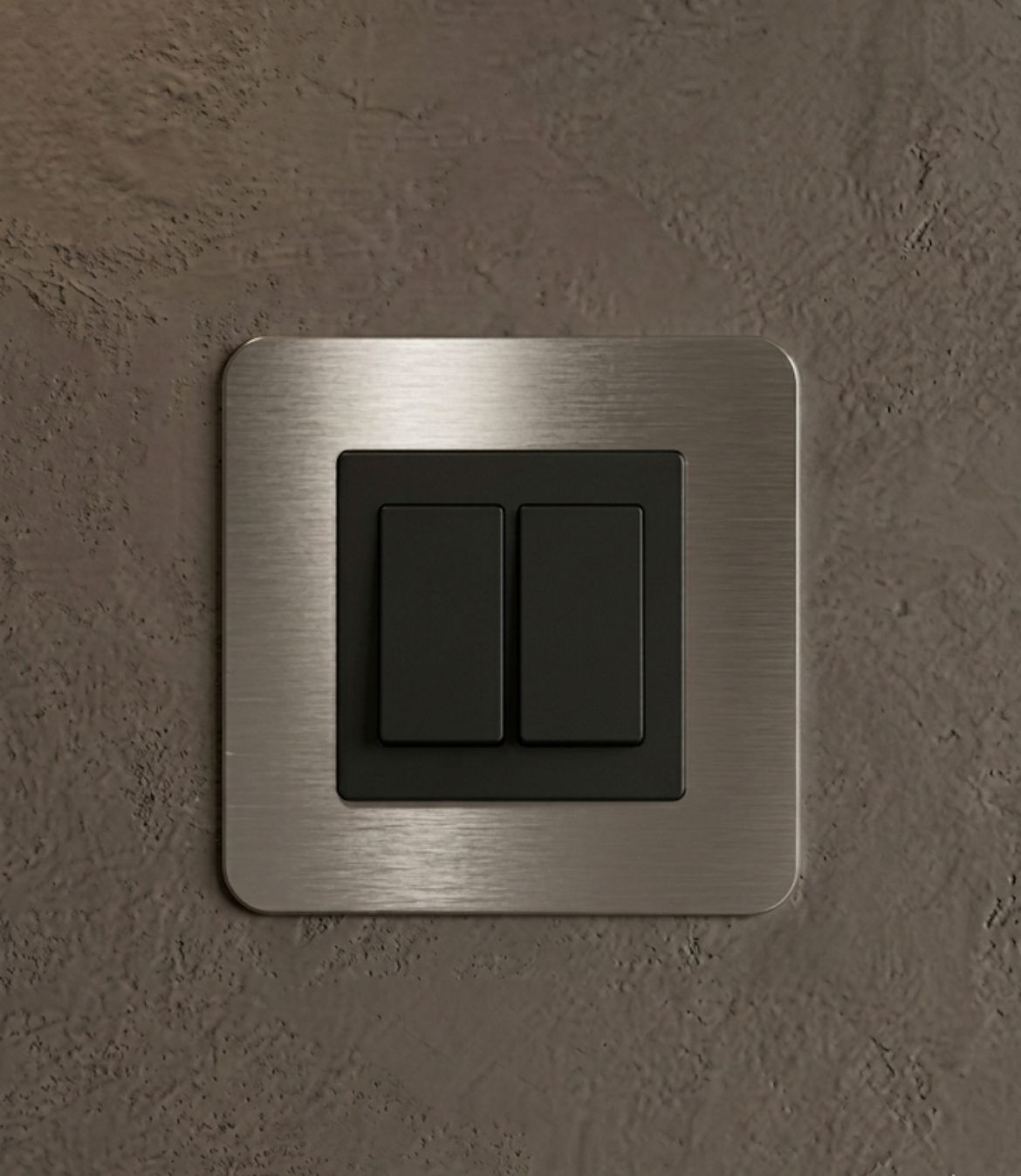
A physical switch at the door — single-press scene recall and hold-to-dim, no phone needed. Add one per doorway or room.
Built-in effects on every pixel channel — tweak speed, length, colour and brightness from the app. Hover any tile to see it in motion.
Can't find your controller in the ALUVA app? Walk through these steps — most issues clear in under a minute.
Connect 12–24V DC. The status LED on the front should glow steady. Find the small pairing button on the side of the enclosure.
Hold until the LED switches to a fast blue blink. The controller is now in pairing mode for 60 seconds.
Make sure Bluetooth is on. On Android, ALUVA also needs location permission — the OS requires it for Bluetooth scanning.
Tap + on the home screen, then New pairing device. Any controller in pairing mode named ALUVA-XXXX will appear. Tap to connect.
Project quotes, bulk and installer pricing, distribution, or a question before you buy — email us directly and we'll come back to you.
Typical reply within one working day.